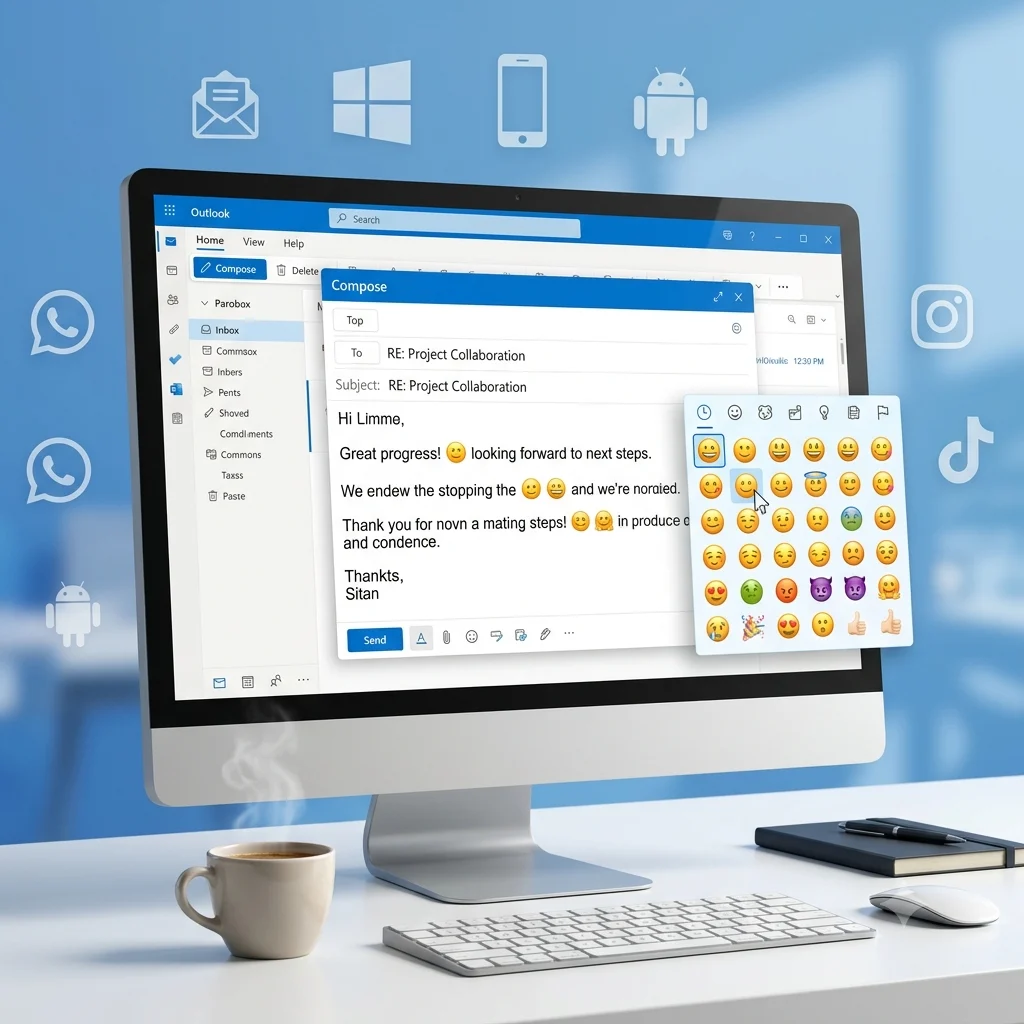
😊📧 You can insert emojis in Outlook using the Windows emoji picker (Win + .), copy and paste emojis, or Outlook’s built-in emoji options. Emojis make emails more engaging, expressive, and easier to understand when used appropriately.
Have you ever wanted to add an emoji 😊 to an Outlook email but couldn’t find the quickest way? Or maybe you’ve seen colorful emojis in someone else’s message and wondered how they did it. You’re not alone. Every day, thousands of Outlook users search for faster ways to insert emojis, use keyboard shortcuts ⌨️, and make their emails more friendly, professional, and engaging. The good news is that it’s much easier than most people think.
Emojis in Outlook are more than just fun icons—they help express emotions ❤️, highlight important points 📌, celebrate achievements 🎉, and create a warm, personal connection with readers. Whether you’re writing a business email 📧, replying to a client 🤝, thanking a coworker 🙏, or sending a casual message to friends 😄, the right emoji can completely change the tone of your email and make it stand out in a crowded inbox.
Many people know only a few basic emojis, but Outlook supports hundreds of symbols, expressions, and icons that can be inserted in seconds. From smiley faces 😀 and hearts 💖 to calendars 📅, check marks ✅, stars ⭐, rockets 🚀, and thumbs up 👍, there’s an emoji for almost every situation. Knowing the fastest methods and avoiding common mistakes can save time while making your emails more effective.
In this complete guide, you’ll discover everything you need to know about emojis in Outlook, including the quickest ways to insert emojis ⚡, keyboard shortcuts ⌨️, copy-and-paste emoji collections 📋, compatibility across Windows, Mac, and Outlook versions 💻, professional email tips 💼, common problems and fixes 🔧, and the best practices for using emojis with confidence. By the end, you’ll know exactly how to use Outlook emojis like a pro and make every email more engaging, expressive, and memorable.
What do emoji in Outlook mean?
Outlook supports many Unicode emojis, but their appearance can vary depending on Windows, macOS, Outlook versions, and email apps. Below are some of the most commonly used Outlook-friendly emojis from one consistent emoji family.
| Emoji | Core meaning | Misread as | Best used when |
|---|---|---|---|
| 😊 | Friendly happiness | Flirting | Greeting someone warmly |
| 🙂 | Polite friendliness | Lack of excitement | Professional conversations |
| 😄 | Big excitement | Overly casual | Celebrating achievements |
| 😁 | Joy and pride | Showing off | Team success messages |
| 😃 | Positive energy | Too informal | Welcoming someone |
| 🤗 | Warm appreciation | Romantic | Thank-you emails |
😊 Smiling Face with Smiling Eyes
Meaning: Warm kindness, appreciation, and genuine friendliness.
Example 1: Thanks for your quick help 😊
Example 2: Looking forward to working together 😊
🙂 Slightly Smiling Face
Meaning: Polite friendliness and calm positivity.
Example 1: Please let me know your thoughts 🙂
Example 2: Have a wonderful day 🙂
😄 Grinning Face with Smiling Eyes
Meaning: Excitement, celebration, and cheerful energy.
Example 1: We reached our goal 😄
Example 2: Amazing work on the project 😄
😁 Beaming Face with Smiling Eyes
Meaning: Pride, happiness, and joyful achievement.
Example 1: Congratulations on your promotion 😁
Example 2: That’s fantastic news 😁
😃 Grinning Face
Meaning: Positive enthusiasm and a welcoming attitude.
Example 1: Welcome to the team 😃
Example 2: Great to hear from you 😃
🤗 Hugging Face
Meaning: Warm support, gratitude, and appreciation.
Example 1: Thank you for everything 🤗
Example 2: Your support means a lot 🤗
😊 Smiling Face with Smiling Eyes
Meaning: Warm kindness, appreciation, and genuine friendliness.
Example 1: Happy to help anytime 😊
Example 2: Thanks again 😊
🙂 Slightly Smiling Face
Meaning: Gentle courtesy and respectful communication.
Example 1: I’ll get back to you soon 🙂
Example 2: Have a nice weekend 🙂
😄 Grinning Face with Smiling Eyes
Meaning: Shared excitement and celebration.
Example 1: Excellent presentation 😄
Example 2: We did it 😄
🤗 Hugging Face
Meaning: Friendly encouragement and heartfelt thanks.
Example 1: Appreciate your support 🤗
Example 2: Sending my thanks 🤗
How to use emoji in Outlook the right way
In Outlook, emojis work best when they match the tone of your message. A single emoji often feels more professional than adding several together.
For WhatsApp emojis, people usually express emotions more openly. In Outlook, keep messages balanced by using a smile at the end of a thank-you or welcome email, such as “Great work 😊”.
For Instagram emojis, branding and visual style matter more. Businesses may include a smile in newsletters or announcements, but professional emails should stay clean and easy to read.
On TikTok, emojis are often playful, ironic, and trend-driven. That style doesn’t always fit workplace emails, so use them only when the relationship is informal.
Dos
- Use one or two emojis in friendly emails.
- Match the emoji with your message.
- Keep business communication respectful.
- Test important emails before sending.
Don’ts
- Don’t replace important words with emojis.
- Don’t fill professional emails with multiple emojis.
- Don’t assume every device displays emojis the same way.
- Don’t use casual emojis with formal clients unless appropriate.
Best emoji in Outlook combos — copy & paste
Romantic
👉 😊🤗 — Sweet appreciation for someone special.
👉 🙂😊 — Gentle affection without sounding too intense.
👉 😄🤗 — Celebrate a happy moment together.
Cute
👉 😊🙂 — Friendly everyday conversation.
👉 😃😊 — Cheerful greetings.
👉 😄🙂 — Positive encouragement.
Flirty
👉 😊🙂 — Lighthearted and respectful.
👉 😄😊 — Playful compliment.
👉 🤗😊 — Warm, caring message.
Missing someone
👉 🙂🤗 — Thinking of someone kindly.
👉 😊🙂 — Friendly check-in.
👉 🤗😄 — Happy to reconnect.
Good night
👉 🙂😊 — Wishing someone a peaceful evening.
👉 😊🤗 — Warm bedtime message.
👉 😄🙂 — Ending the conversation positively.
Trending emoji in Outlook
As digital communication continues to evolve, simple smile-based emojis remain popular because they feel universal and fit both casual and semi-professional conversations. They also work well alongside copy paste emojis, emoji meanings, romantic emojis, and everyday messaging styles.
| Emoji | Why trending | Who uses it | Platform |
|---|---|---|---|
| 😊 | Friendly communication | Professionals, students | Outlook, WhatsApp |
| 🙂 | Polite everyday replies | Office workers | Outlook, Email |
| 😄 | Celebrating achievements | Teams and creators | Outlook, Instagram |
| 🤗 | Showing appreciation | Friends and colleagues | Outlook, WhatsApp |
Emoji styles continue to evolve as apps update their designs, while the same Unicode characters remain recognizable across platforms.
FAQ
1. What is the most popular emoji in Outlook?
😊 is one of the most commonly used Outlook emojis because it adds warmth without making an email feel too casual. It fits both personal and workplace conversations.
2. What does 😊 mean from a girl or boy?
Its meaning depends on the conversation. Most often, it simply shows kindness, friendliness, or appreciation rather than romantic interest.
3. Why do emojis look different on iPhone vs Android?
Every operating system has its own emoji artwork. The Unicode meaning stays the same, but Apple, Google, Microsoft, and other platforms display different designs.
4. Are emoji in Outlook used differently in other countries?
Yes. Cultural habits and workplace etiquette vary around the world. Some countries use emojis frequently in business emails, while others prefer a more formal style.
Conclusion
Using emoji in Outlook is an easy way to make emails feel warmer and more engaging while staying professional. A thoughtful smile can strengthen communication when used in the right context. Keep your emoji choices simple, consistent, and appropriate for your audience.

Elara Quinn is a digital communication writer specializing in emoji meanings, online messaging, and internet culture. She creates clear, accurate, and reader-friendly content that helps readers understand emojis, symbols ,and modern digital communication. Her goal is to make online conversations easier through practical ,easy to follow guides and reliable information. Elara is passionate about creating helpful content that keeps readers informed about the latest digital communication trends.